
How to use the WattLock Energy Saver
Updated October 2026 · WattLock UK team
No tools, no electrician, no app. Here's the full setup in four steps.
Quick answer
Plug one WattLock into any wall socket on each socket circuit, switch the socket on and check the green light. It takes about 10 seconds – no tools or electrician needed.
- Time10 sec per unit
- ToolsNone
- ElectricianNot needed
- App / Wi-FiNot needed
How to fit WattLock in 4 simple steps
- 1
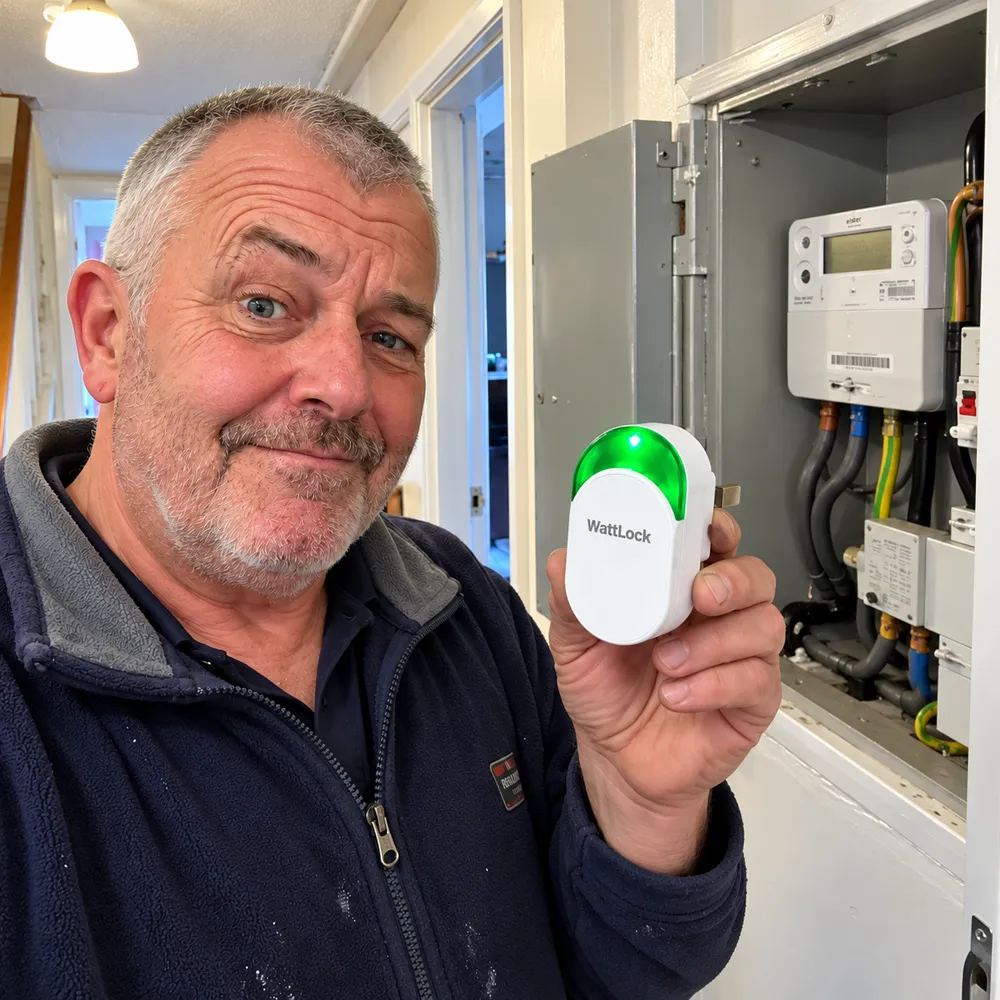
Step 1: Find your socket circuits
Open your consumer unit (fuse box) cover and count the switches labelled 'sockets', 'ring', 'kitchen' or 'upstairs/downstairs sockets' – usually 32A breakers. You need one WattLock per socket circuit.
- 2
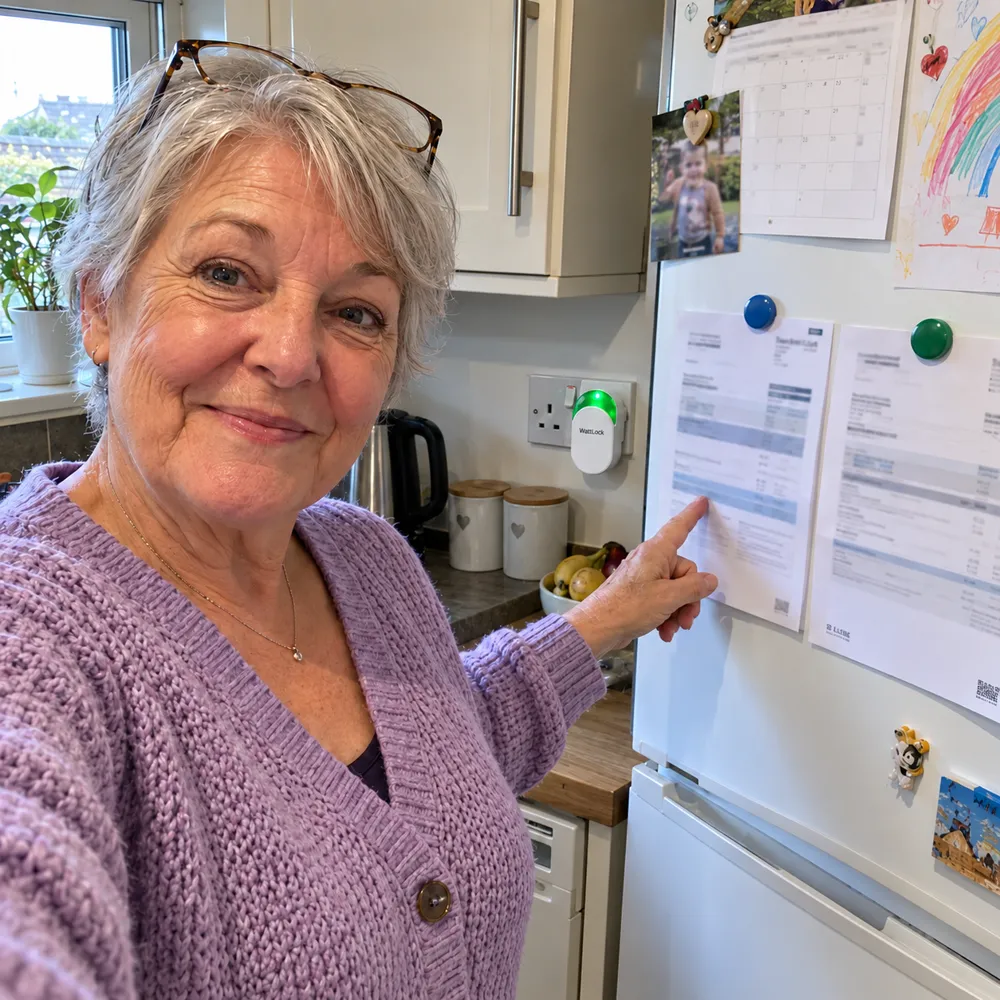
Step 2: Pick a socket on each circuit
Choose any standard UK 3-pin wall socket on that circuit. Pick one where you can see the green light and that isn't behind furniture – a hallway, landing or kitchen socket is ideal.
- 3
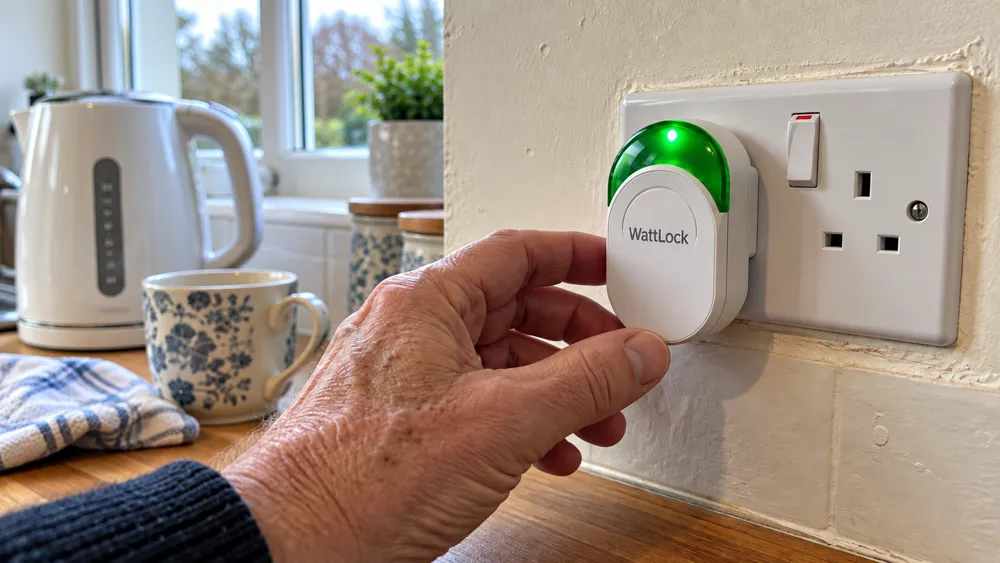
Step 3: Plug it in and switch on
Push WattLock straight into the wall socket (not an extension lead) and switch the socket on. It takes about 10 seconds.
- 4
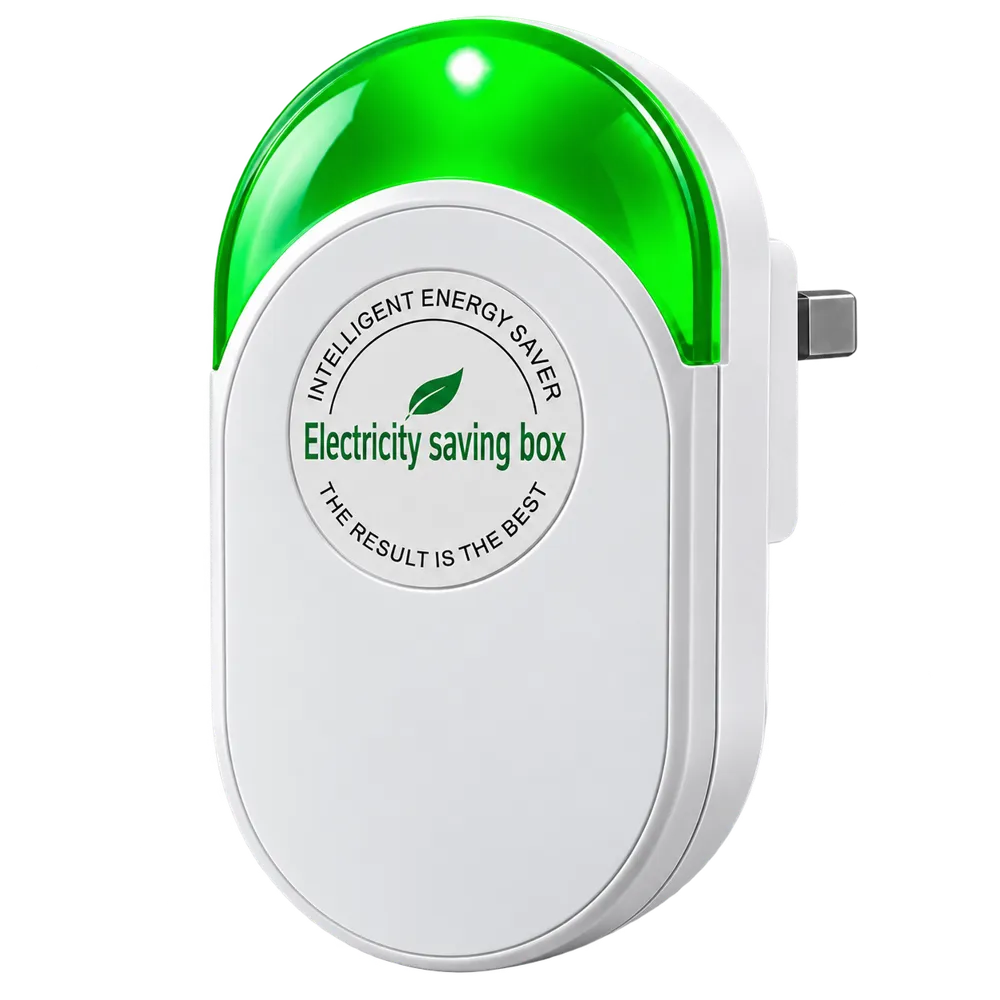
Step 4: Check the green light
The green light shows WattLock has power and is running. Leave it plugged in permanently – there's nothing else to set up.
Order WattLock
Up to 62% off- 1Enter delivery address
- 2Pay securely
- 3Dispatched with tracking
Free UK delivery


30-day money-back guarantee. Not happy? Send it back for a full refund. Read the terms. Secure Shopify checkout, prices include VAT.
How many WattLock do I need?
One WattLock covers one socket circuit. Most UK homes have between one and four:
- Flat or small bungalow: 1
- 2 or 3-bed house: 2 (downstairs and upstairs)
- House with a separate kitchen circuit: 3
- Large home, extension or garage: 4
| Bundle | Price | Was | Price per unit | Typical home |
|---|---|---|---|---|
| 1 × WattLock | £39 | £78 | £39.00 | Flat or small bungalow (1 circuit) |
| 2 × WattLock | £59 | £156 | £29.50 | 2–3 bed house |
| 3 × WattLock | £78 | £234 | £26.00 | House with separate kitchen circuit |
| 4 × WattLock | £117 | £312 | £29.25 | Large home or extension |
What the green light means
- Green light on: WattLock has power and is running.
- No light: check the socket switch is on and try another socket on the same circuit.
- Still no light: email us – faulty units are covered by our guarantee.
Troubleshooting
| Problem | What to do |
|---|---|
| No green light | Check the socket switch is on, then try another socket on the same circuit. Still nothing? Email us – faulty units are covered. |
| Not sure which circuit a socket is on | Switch one socket breaker off at the consumer unit and see which sockets go dead. Switch it back on straight after. |
| Fuse box labels are missing | Socket circuits usually use 32A breakers; lighting uses 6A. If unsure, ask an electrician to label them. |
| Plugged in a light switch area | WattLock works on socket circuits, not lighting circuits. Use a 3-pin wall socket. |
| Two units on one circuit | Move one to a socket on a different socket circuit so every circuit is covered. |
Safety first: only read the labels on your consumer unit – never remove covers or touch wiring. If a socket feels hot, sparks or smells of burning, stop using it and call a qualified electrician.
Tips for tracking your usage
If you have a smart meter, note your daily kWh for a week before fitting WattLock and for several weeks after. Without one, take a meter reading at the same time each day. Keep your routine similar so you compare fairly, and remember colder, darker months naturally use more electricity. Results vary with your home, appliances and tariff.
Looking after your WattLock
- Leave it plugged in – there's nothing to switch on or off
- Keep it uncovered and away from water
- Unplug before wiping with a dry cloth
- Moving house? Simply take it with you
Frequently asked questions
Free UK delivery · 30-day money-back guarantee