
Phantom power: what standby electricity costs UK homes
Updated October 2026 · WattLock UK team
Phantom power – also called vampire or standby power – is electricity used by appliances that are switched off or on standby.
Quick answer
Phantom power is electricity used by appliances on standby or switched off but still plugged in, such as TVs, chargers and microwaves.
Common phantom power culprits
- TVs, set-top boxes and games consoles on standby
- Phone and laptop chargers left in the wall
- Microwaves and ovens with clocks
- Printers, speakers and Wi-Fi extenders
How to reduce it
- Switch off at the wall when not in use
- Use smart plugs or standby savers on entertainment systems
- Unplug chargers when devices are full
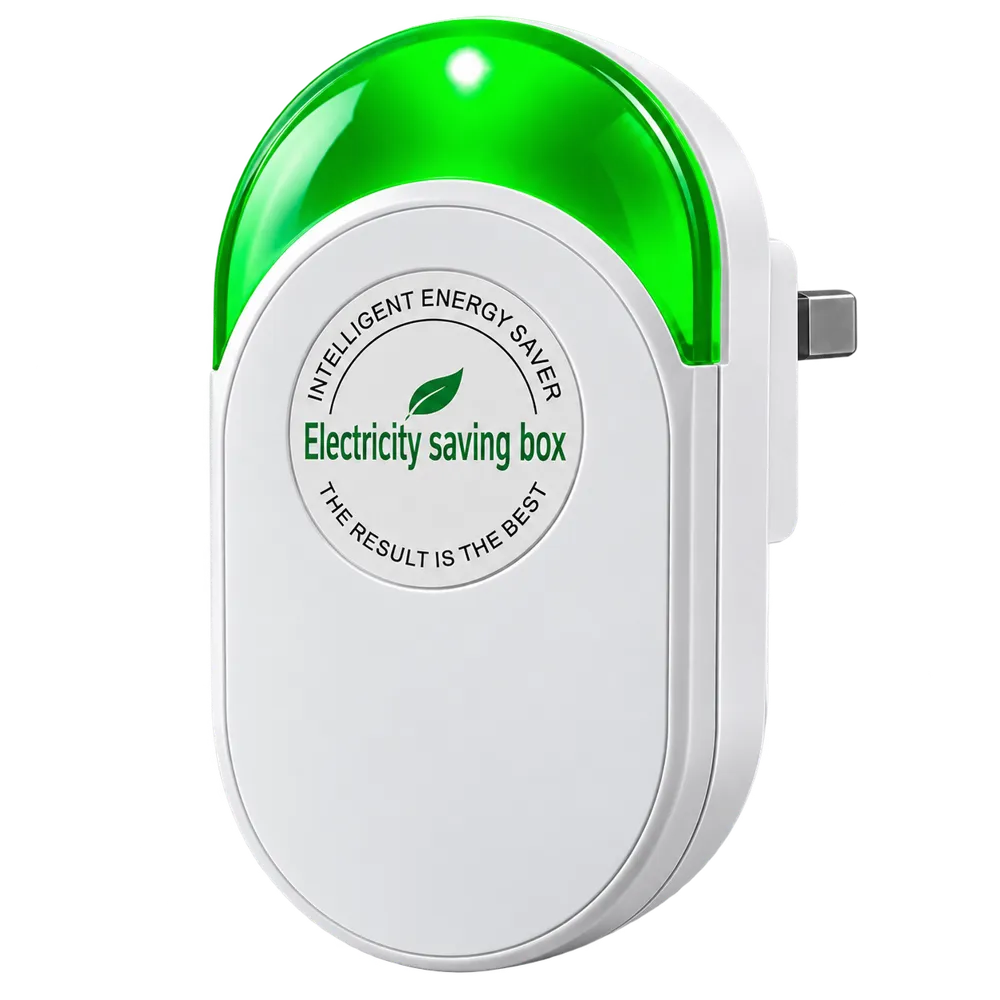
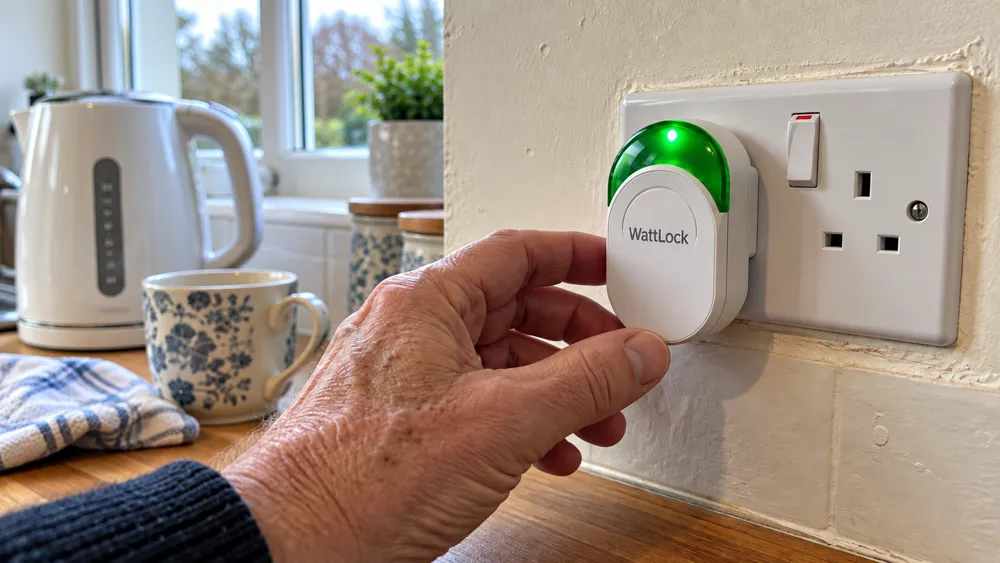
- Consider a plug-in energy saver like WattLock for each circuit
What is phantom power?
Phantom power – also called standby power or vampire power – is electricity used by appliances when they're switched off or not being used but still plugged in. TVs on standby, set-top boxes, games consoles, microwaves with clocks, chargers left in the wall and smart speakers all draw a small amount continuously.
Individually the amounts are small, but across a whole home and a whole year they add up. The Energy Saving Trust has estimated that the average UK household could save money each year simply by switching appliances off rather than leaving them on standby.
How to find your phantom load
- Late at night, turn off everything you can at the device (not the wall)
- Check your smart meter display – the reading still showing is roughly your baseline
- Switch items off at the wall one by one and watch the figure drop
- Note which devices make the biggest difference
Practical ways to cut standby
Use extension leads with a single switch for TV and computer setups, unplug chargers when not in use, turn off games consoles' 'instant on' settings, and use smart plugs on timers for devices you forget. Combine these habits with fit-and-forget devices like WattLock on each socket circuit.
Frequently asked questions
Free UK delivery · 30-day money-back guarantee
Order WattLock
Up to 62% off- 1Enter delivery address
- 2Pay securely
- 3Dispatched with tracking
Free UK delivery


30-day money-back guarantee. Not happy? Send it back for a full refund. Read the terms. Secure Shopify checkout, prices include VAT.